
How It Works
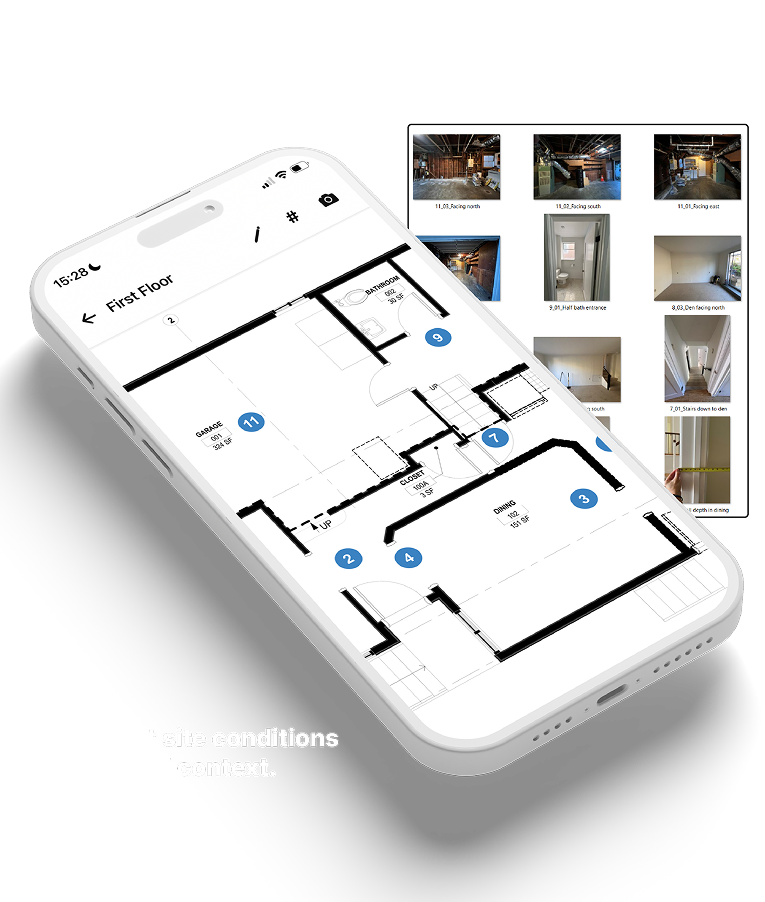
Dotmap lets you mark photo locations directly onto a floor plan, so your in-office team can understand site conditions later.
- Add a floor plan in the Mobile App
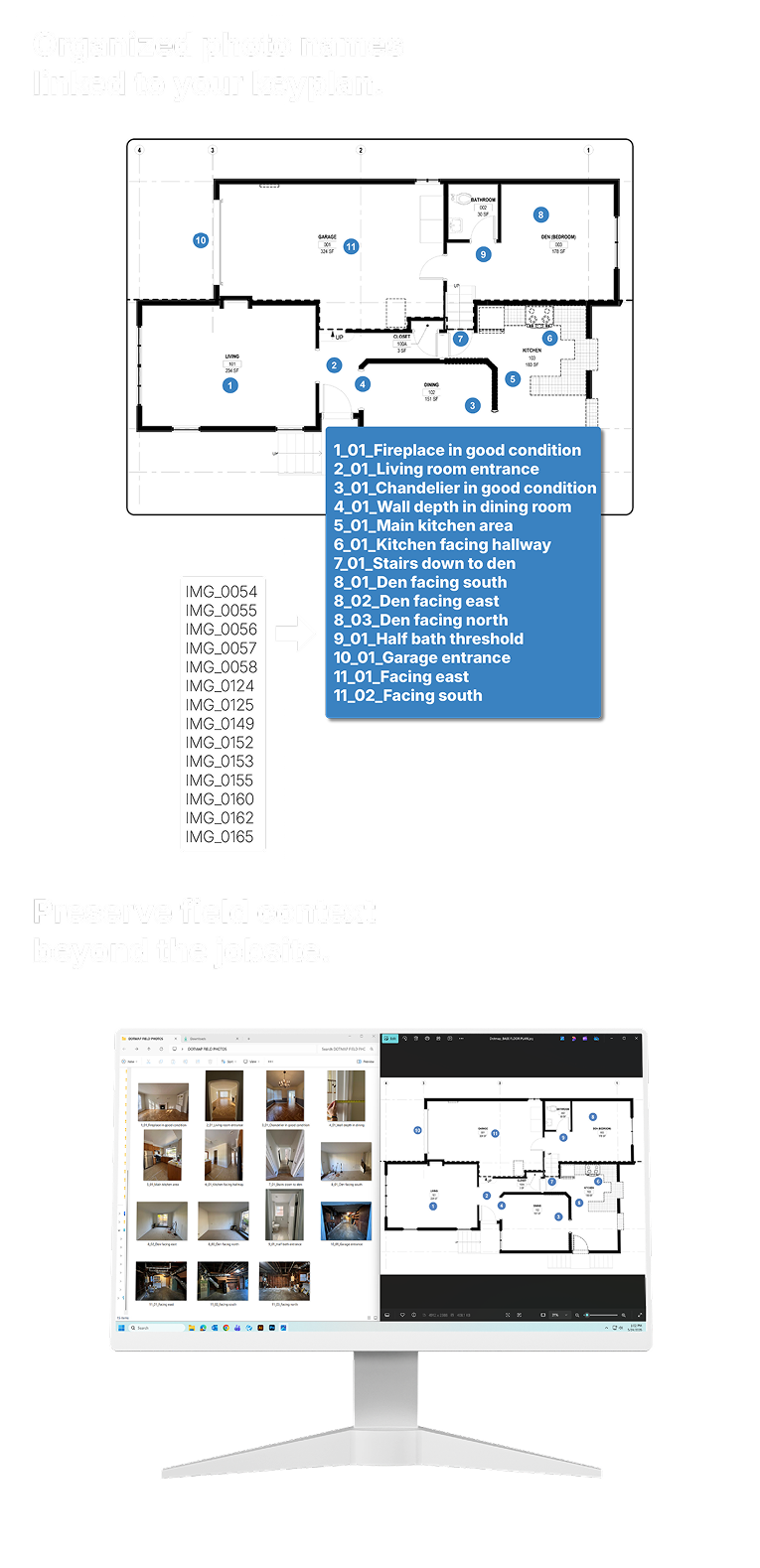
- Add markers to the floor plan where a photo was taken
- Add a descriptive title to each photo (optional)
- Export and enjoy clear site documentation
Pricing & Usage Simplicity
Dotmap is designed for occasional field documentation. Pay only when you need to export your work.
- Download the mobile app for free
- No accounts required
- Capture as many photos as you want
- Only pay when exporting your documentation
- No subscriptions
Prepare your floor plan for Dotmap
PDF only · Max 150 MB · Max 20 pages
Understand site conditions without being there.